Success to Activate the Autocom software
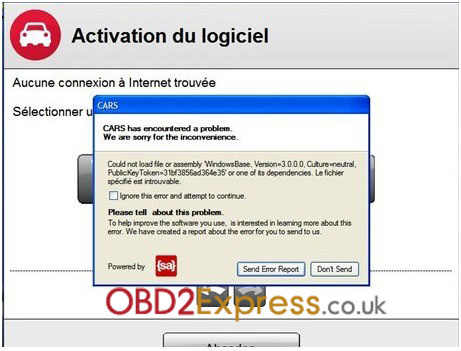
When I active my autocom , I meet this problem. Shown as the following picture, what should I do? Can you tell me? Problem shown: Solution: Open the file "dotnetfx3.5sp1" in CD. And click repair, after doing these, your problem will be solved. Then you can continue to active your autocom. Attention: when you do this step, please connect the internet. Any problem, you can send email to sales@obdexpress.co.uk . http://www.obdexpress.co.uk