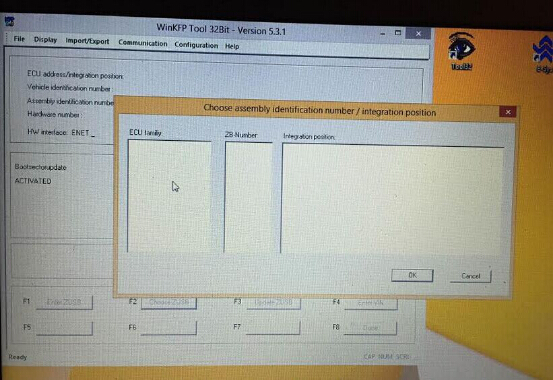
FAQ about Super iCOM Software for BMW ICOM/ICOM A2
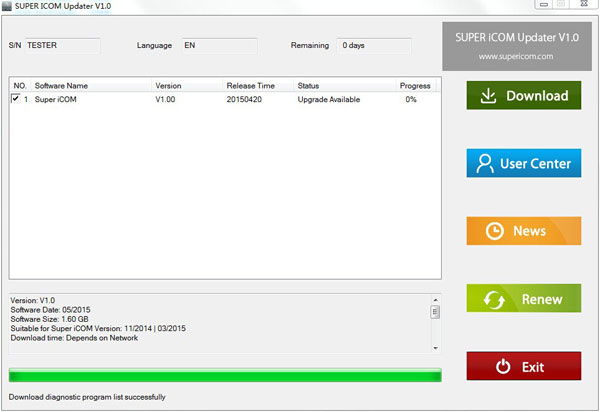
Super iCOM is one of the best after-market software for BMW diagnostic, coding, programming in the world, it is also an up-to-date software for online upgrade directly, software installed based on Windows® 8.1 64Bit OS, fit for most of the laptops/ PC in the market with SATA port. Here is Frequent Asked Question about Super iCom Software Q1: How many years of free updating can we enjoy? Super iCOM provides one year free update online service. Q2: How to upgrade my software via Internet? You need use the Super iCOM Updater by inputting the serial number and password, after login you can choose the new version to download, the software will be updated and installed automatically. User name: Serial number (The one find from Read SN icom on desktop) Password: last 8 digits for password letter. Attention: As software is large, please download the software one by one. Q3: What else shall I do before using this item? Super iCOM software operation is very simple, just ins...