How to setup I-2015 Multi-Diag Access J2534 on Win XP / WIN 7
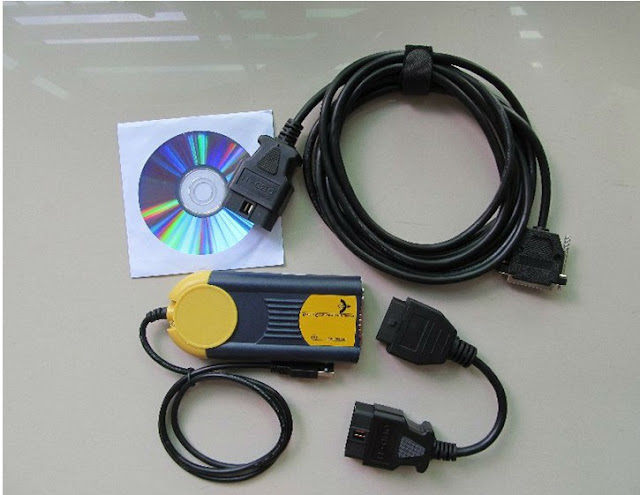
This is the instruction on how to install or setup I-2015 Multi-Diag Access J2534 OBD2 device on Win XP / WIN 7 operating system. V2015.1 Multi Diag Access J2534 System Requirements: *O.S.: Windows XP; Windows 7 32bit *CPU: Pentium/Athlon 1.8 GHz or higher *RAM: 256 MB of system memory *Hard Drive: 10 GB of available space *VCI (vehicle communication Interface) *DVD-ROM *No Internet, WIFI *No Antivirus software How to activate I-2015 Multi-Diag: 1. Pls disconnect the network when install the software. 2. Pls follow the installation video to install the software and drivers. 3. After insatall it, pls send ID (31-xxxxxxxxxxx) to us, we will send the activation code. How to install I-2015 Multi-Diag software: * video guide: * guide via words: 1) Install .NET Framework 4 Open MDO I-2015 software CD Copy MDO I-2015_V33.06 zip file to Disk D Install dotNet setup (Microsoft .NET Framework 4 Setup) on CD Accept li...

